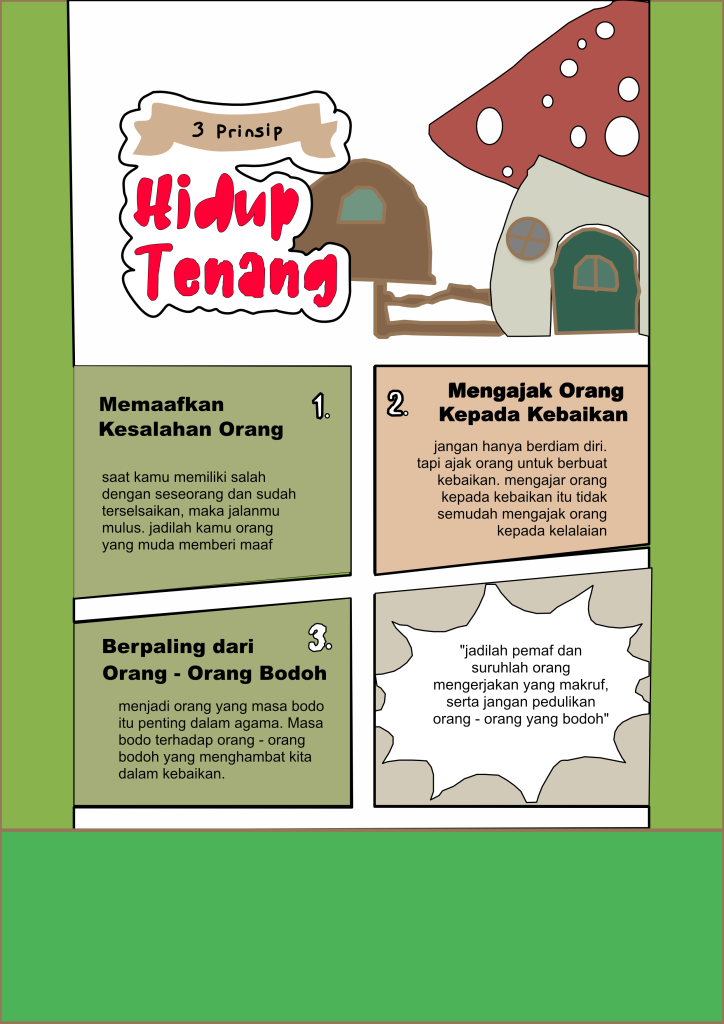
mulmed - infografis
Good morning everyone.
Today, I would like to explain how I made this design using Affinity Designer. Affinity Designer is a graphic design application that is easy to use and has many useful tools. I chose this software because it helps me create clean and professional designs. In this presentation, I will explain the steps I used, from preparing the canvas to finishing the final design. I would like to talk about composition in design using Affinity Designer. Composition is the way we arrange text, images, shapes, and colors so the design looks balanced and easy to understand. A good composition helps guide the viewer’s eyes to the most important information. Before I started designing, I planned the layout carefully to make sure every element had the right position and enough space. I would like to share my experience using Affinity Designer. At first, I thought it was a little difficult because there are many tools and features to learn. However, after practicing for some time, I found that the software is quite easy to use. The tools are well organized, and creating shapes, adding text, and editing objects becomes much faster. In my opinion, Affinity Designer is beginner-friendly if we are willing to practice regularly.